Components / Tilt Card
Tilt Card
A lightweight 3D tilt effect that responds to mouse movement. Wrap any card or image to add subtle depth and interactivity.
Installation
Install the component using the shadcn CLI:
npx shadcn@latest add ChinmayNoob/fern-ui/tilt-imagePreview
Move your cursor over the card to see the tilt effect.
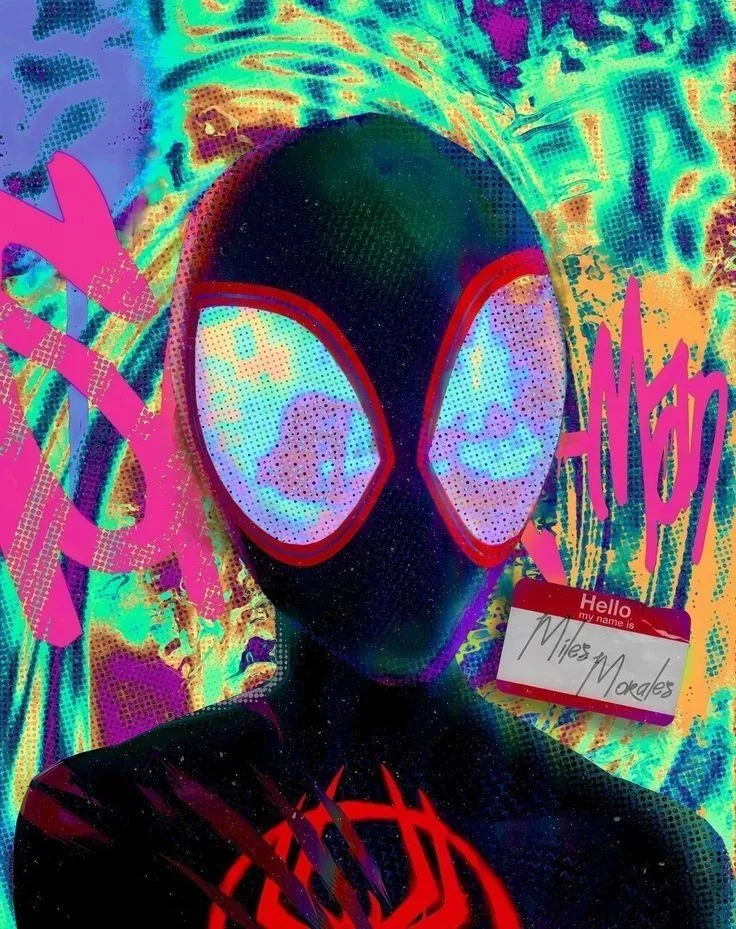
Usage
tsx
import TiltCard from "@/components/tilt-image/tilt-image"

export function Example() {
  return (
    <TiltCard maxRotation={4} perspective={400} scaleOnHover={1.04}>
      <figure>
        <img
          src="/images/photo.jpg"
          alt="Example"
          className="rounded-xl shadow-lg w-[280px] h-[360px] object-cover"
        />
      </figure>
    </TiltCard>
  )
}
Props
| Prop | Type | Default | Description |
|---|---|---|---|
| children | ReactNode | required | Content to tilt (usually an image or card) |
| maxRotation | number | 3 | Maximum rotation in degrees on X/Y axes |
| perspective | number | 300 | 3D perspective distance in pixels |
| scaleOnHover | number | 1.02 | Scale factor applied while hovering |
Notes
- Effect is mouse-based and will not animate on touch devices.
- Wrap only one element (like a card or figure) for best results.
- Use smaller
maxRotationfor subtle motion. - No external animation libraries required.
Source Code
tsx
'use client'
import { useRef, useEffect, useCallback, ReactNode } from 'react'

export interface TiltCardProps {
    children: ReactNode
    maxRotation?: number
    perspective?: number
    scaleOnHover?: number
}

const TiltCard = ({
    children,
    maxRotation = 3,
    perspective = 300,
    scaleOnHover = 1.02
}: TiltCardProps) => {
    const cardRef = useRef<HTMLDivElement>(null)
    const rafId = useRef<number | null>(null)
    const dimensions = useRef({ width: 0, height: 0 })

    const updateDimensions = useCallback(() => {
        if (cardRef.current) {
            const rect = cardRef.current.getBoundingClientRect()
            dimensions.current = {
                width: rect.width,
                height: rect.height
            }
        }
    }, [])

    useEffect(() => {
        updateDimensions()
        window.addEventListener('resize', updateDimensions)
        return () => {
            window.removeEventListener('resize', updateDimensions)
            if (rafId.current) cancelAnimationFrame(rafId.current)
        }
    }, [updateDimensions])

    const handleMouseMove = useCallback(
        (e: React.MouseEvent<HTMLDivElement>) => {
            if (!cardRef.current) return

            if (rafId.current) cancelAnimationFrame(rafId.current)

            rafId.current = requestAnimationFrame(() => {
                if (!cardRef.current) return

                const { width, height } = dimensions.current
                const centerX = width / 2
                const centerY = height / 2

                const rect = cardRef.current.getBoundingClientRect()
                const x = e.clientX - rect.left
                const y = e.clientY - rect.top

                const rotateY = ((x - centerX) / centerX) * maxRotation
                const rotateX = -((y - centerY) / centerY) * maxRotation

                cardRef.current.style.transform = `
        rotateX(${rotateX}deg)
        rotateY(${rotateY}deg)
        scale3d(${scaleOnHover}, ${scaleOnHover}, ${scaleOnHover})
      `
            })
        },
        [maxRotation, scaleOnHover]
    )

    const handleMouseLeave = useCallback(() => {
        if (rafId.current) cancelAnimationFrame(rafId.current)
        if (cardRef.current) {
            cardRef.current.style.transform = `
      rotateX(0deg)
      rotateY(0deg)
      scale3d(1, 1, 1)
    `
        }
    }, [])

    return (
        <div style={{ perspective: `${perspective}px` }} className="">
            <div
                ref={cardRef}
                onMouseMove={handleMouseMove}
                onMouseLeave={handleMouseLeave}
                className="transition-transform duration-300 ease-out"
            >
                {children}
            </div>
        </div>
    )
}

export default TiltCard